
Overview
Web-Based Self-Management & Executive Functioning Software
Our Mission
Develop universally-designed, person-centered tools that people can use to tell their stories and self-manage daily living, school, and work. We see a gap between instruction about self-determination and the availability of user facing tools that enable people with developmental disabilities to exercise the kind of control over their lives that starts early in life and builds true self-advocacy.
We're doing this with:
MyLife
Versatile digital portfolio for self-direction and training.
Routines
Location-specific multimedia support for task completion.
Goal Guide
Manage goals, track progress, and share accomplishments.
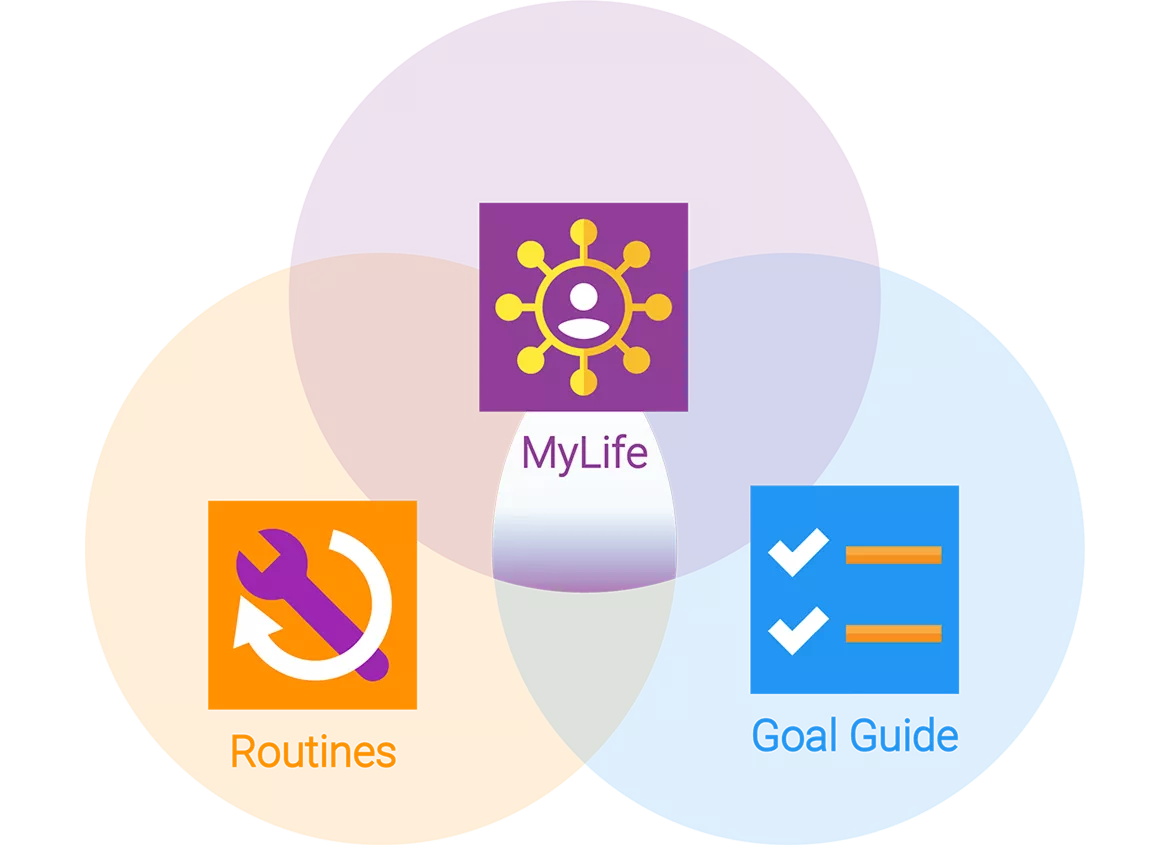
Tool Breakdown
MyLife
A multimedia ePortfolio that is a digital story-telling and communication tool. MyLife can be used to understand and self-direct an IEP or ISP, share a personal story of strengths, talents, and interests, or chart a path to employment.
Routines
Makes it easy to illustrate the steps of a home, work, or community task with images, video, or text. Each routine is a task analysis that can be accessed by scanning a unique QR code, displaying the task completion instructions at the exact location and time needed.
Goal Guide
Lets you schedule goals, get reminders, track progress, document your accomplishments, and share your data with supporters.
Examples and Resources
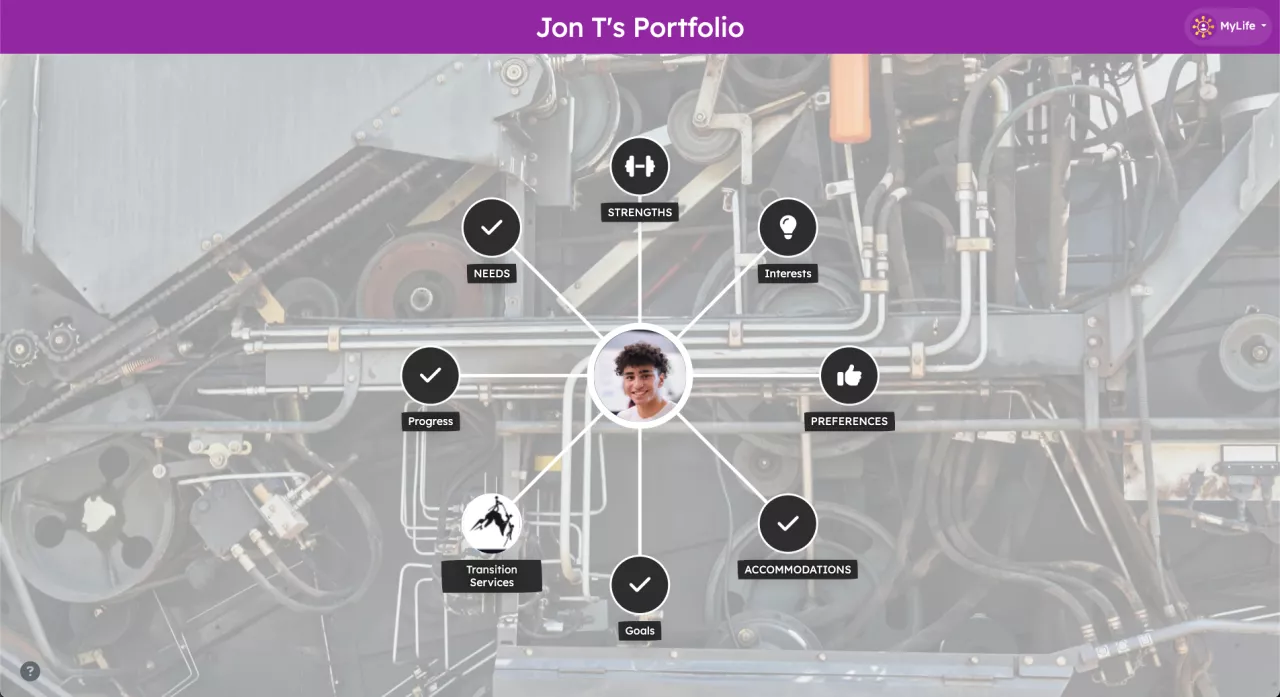
My Life
Sample MyLife Transition IEP Portfolio
Enables the user to articulate and understand key elements of their IEP and take an active role in the IEP meeting. An adult service plan can be facilitated in the same way. As you explore it, you'll see that video, images, audio, and text provide different modes of engagement that enhance accessibility. It also allows the user to showcase key goal accomplishments and routines that serve as self-management tools, while also supporting transition by enabling people in paid and natural support roles to connect with and learn more about those they support.
Pre-Employment Transition Services Portfolio
shows how the portfolio tool can also function as a powerful, multimedia, universally-designed training tool on this or other topics.
Learning to Work in a CVS Health Store
An example of MyLife in a real-life job setting.
Self-Directed IEP in Action
See how a student uses the MyLife tool to lead their own IEP meeting and communicate strengths, needs, goals, and preferences.
This example highlights how the platform supports meaningful participation for students, families, and educators.
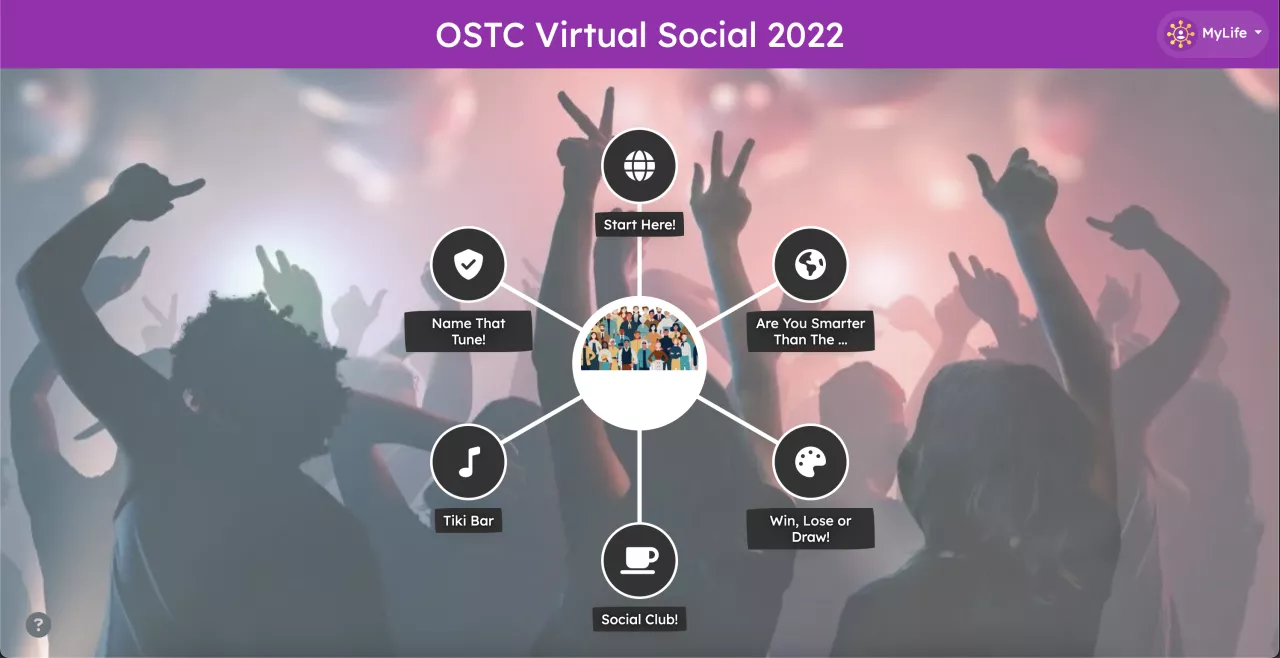
MyLife for Social Events
In a creative use of the portfolio, MyLife was used to host a virtual social event for students attending a statewide transition conference. Similar events have supported virtual job fairs, parent trainings, and transition information nights.
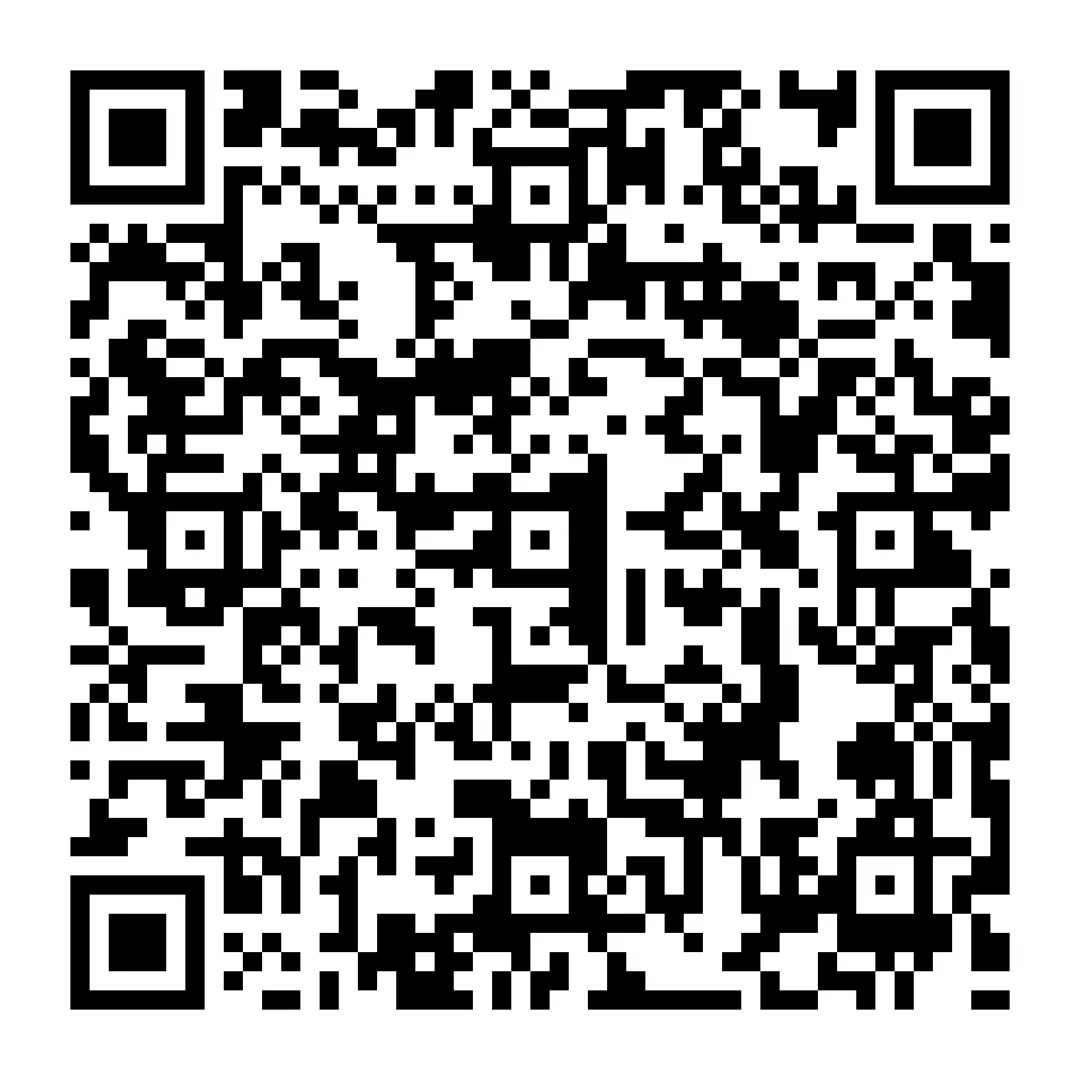
Routines
This sample from our Routines tool demonstrates how to use a commercial dishwasher with step-by-step visual and written supports. The same routine can be accessed by scanning the QR code with a phone or tablet camera. QR codes can be posted in home, school, or workplace settings, or carried in an individualized wallet for quick access whenever support is needed.
How SSLEA Uses Routines
These videos show how an innovative supported living program uses Routines to strengthen independence and provide structured, real-time support in daily living environments.
Goal Guide
See how Goal Guide is used alongside Routines to set meaningful goals, track progress, and support continued growth toward greater independence.
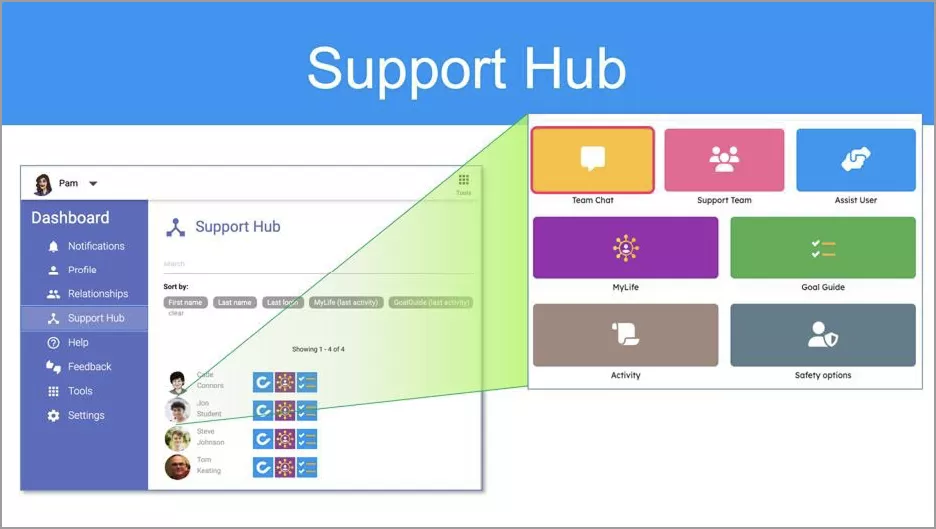
Support Hub
A core component of the Cognitopia Platform, the Support Hub enables coordinated, team-based support while promoting individual independence. It connects teachers, parents, supervisors, job coaches, counselors, therapists, and other team members in one secure environment.
For each individual, the Support Hub includes private team messaging, contact information for support members, progress dashboards with remote visibility into goals and activity, and tools that allow team members to provide assistance when needed. All activity takes place in a secure, private, HIPAA-compliant environment accessible only to the individual and invited support team members.