
Improve independence, self-determination, and transition success with Cognitopia.
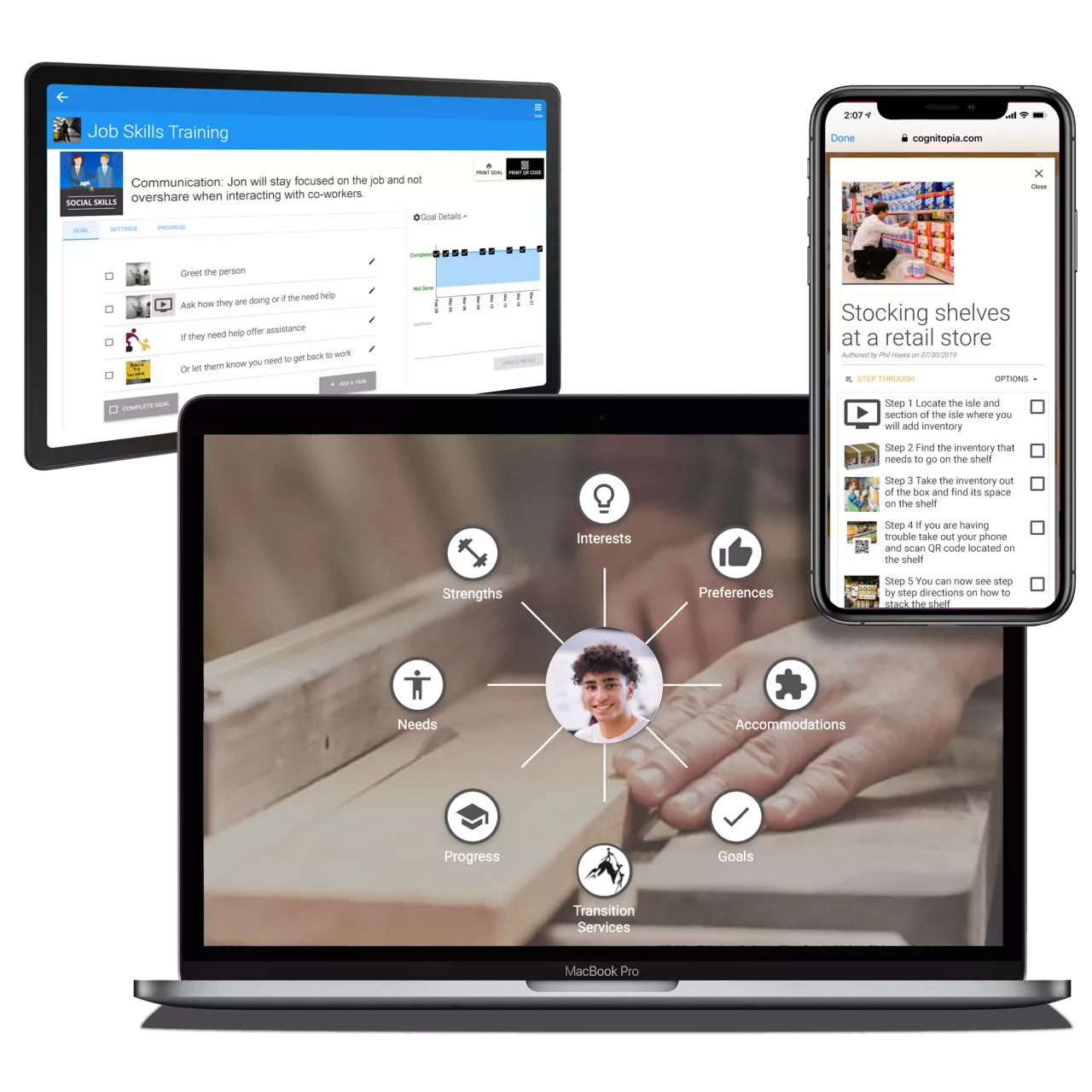
Remote Coaching & Support
COMMUNICATE & INTERACT
learn about people, assign work, give real-time feedback.
TRACK PROGRESS
goals, assignments, homework
MOTIVATE
graphic progress points stimulate accountability & action
MAINTAIN CONNECTION & ENGAGEMENT
when people are away, at home, over summer
DISTRIBUTE VALUABLE INFORMATION
customizable digital portfolios for onboarding, recruitment, and more…
Cognitopia Supplements a Real Coach, increasing the available support offered - anytime and anywhere.
– Rick Laferriere, Director, Workforce Initiatives at CVS Health

Share it, Do it, Track it
Remote Support - Anxiety Reducing - Stigma Free
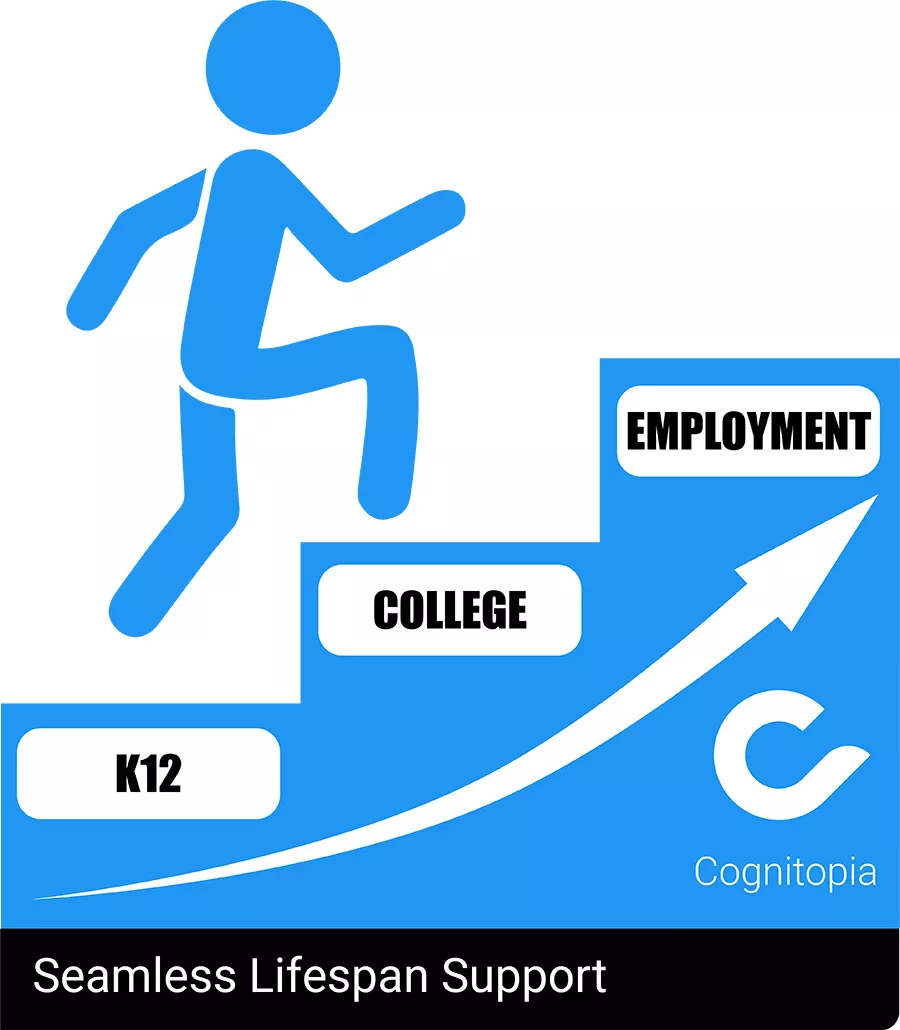
Research Based
Built on everything we learned from research and professional use, Cognitopia makes life easier.
Cognitopia work supported in part by grant funding from:
- U.S. Department of Health and Human Services, Administration on Community Living, National Institute on Disability, Independent Living, and Rehabilitation Research Award Numbers 90BI0008, 90IF0080, and 90BISB0015
- U.S. Department of Education, Institute for Education Sciences Award Number R324A160252
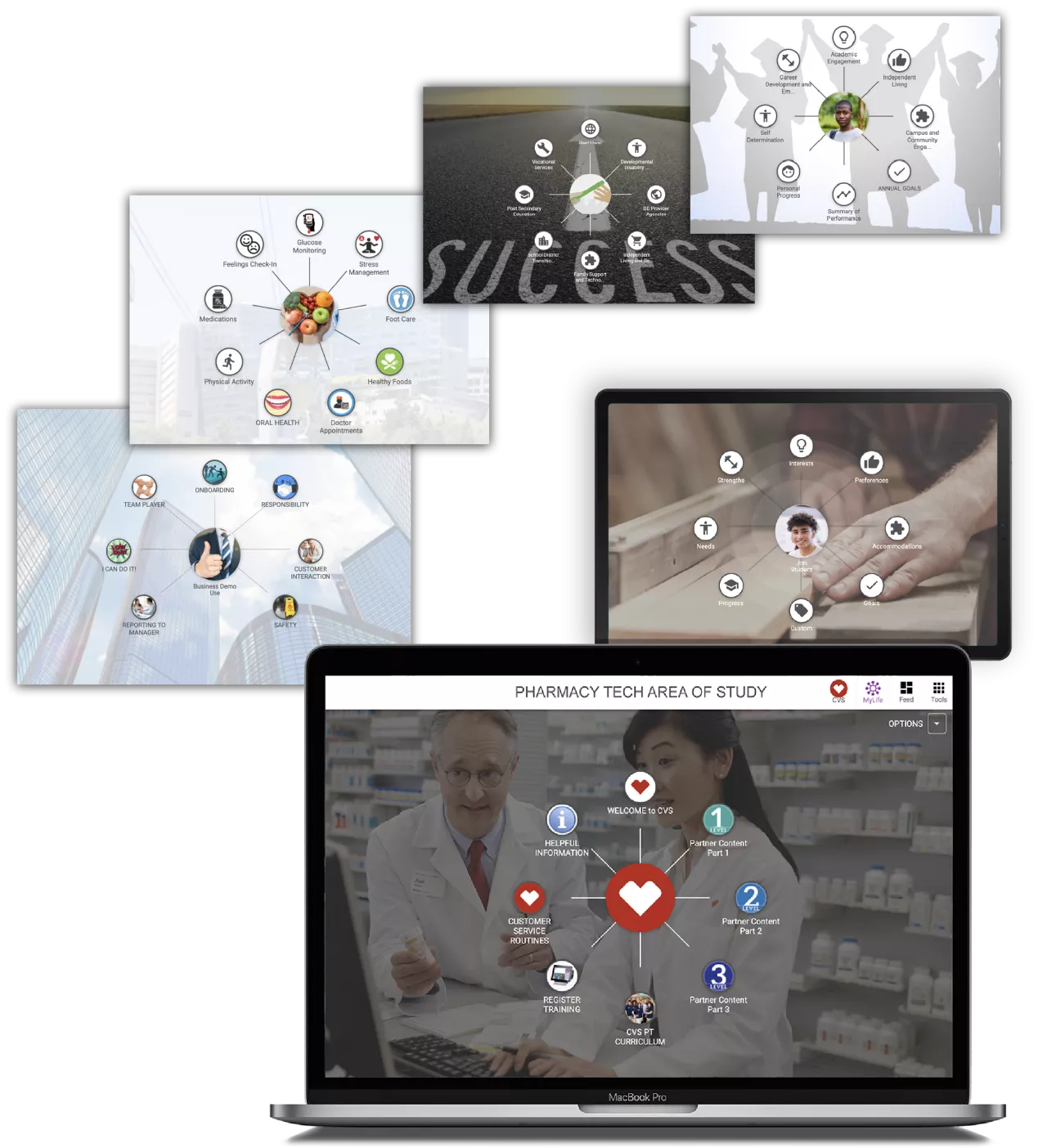
Range of Uses
Now, Cognitopia clients increase results in many areas:
- K-12 Special Education
- Employment
- Post-secondary Education
- Supported Living
- Chronic Disease Self-management
- Accessible Event Management
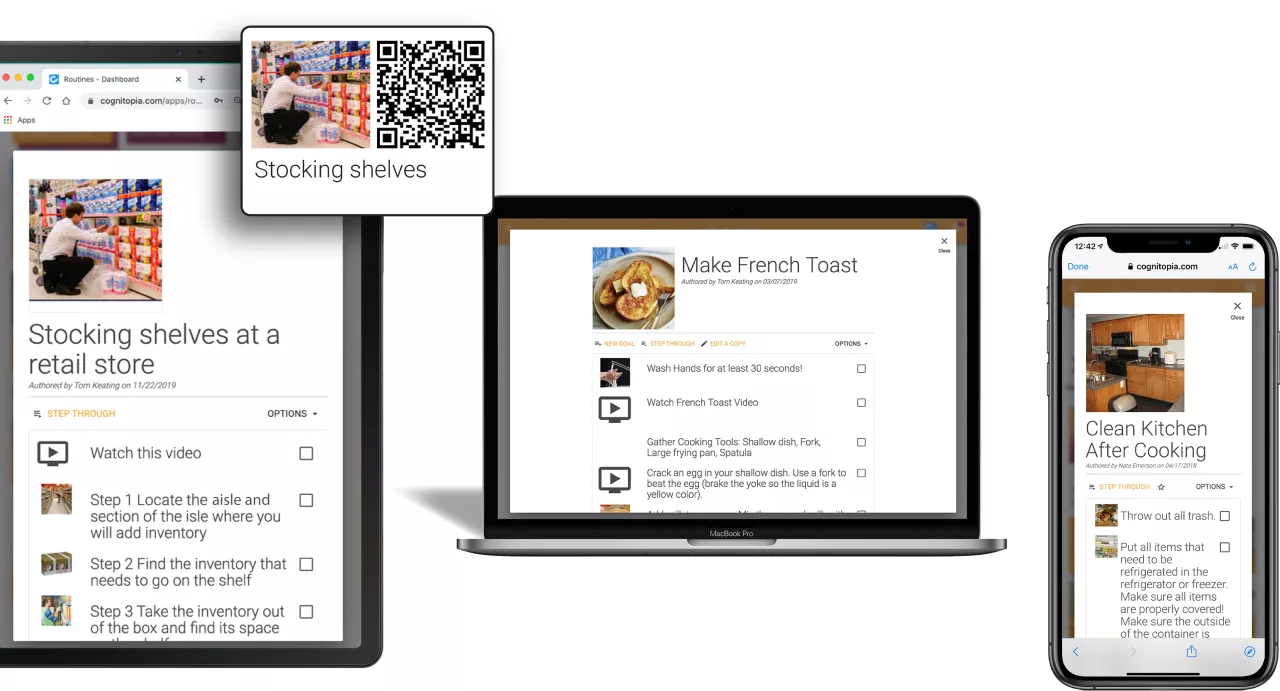
Routines
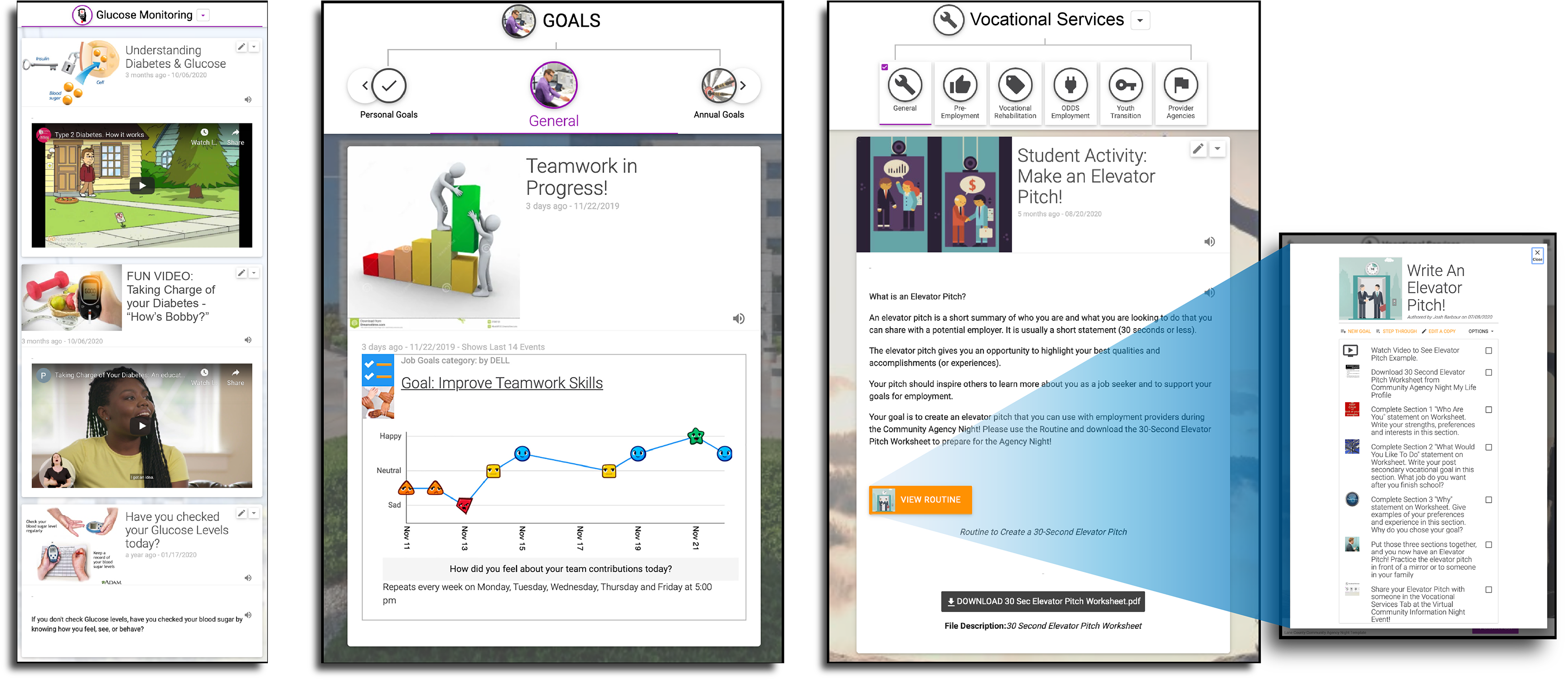
Systematic instruction for task accomplishment using images, videos, and text
Create multimedia task analyses
Share with multiple people
Adopt Routines from Cognitopia community library
Print Sheets for steps and assistance ratings
Print Scan Codes for access anywhere
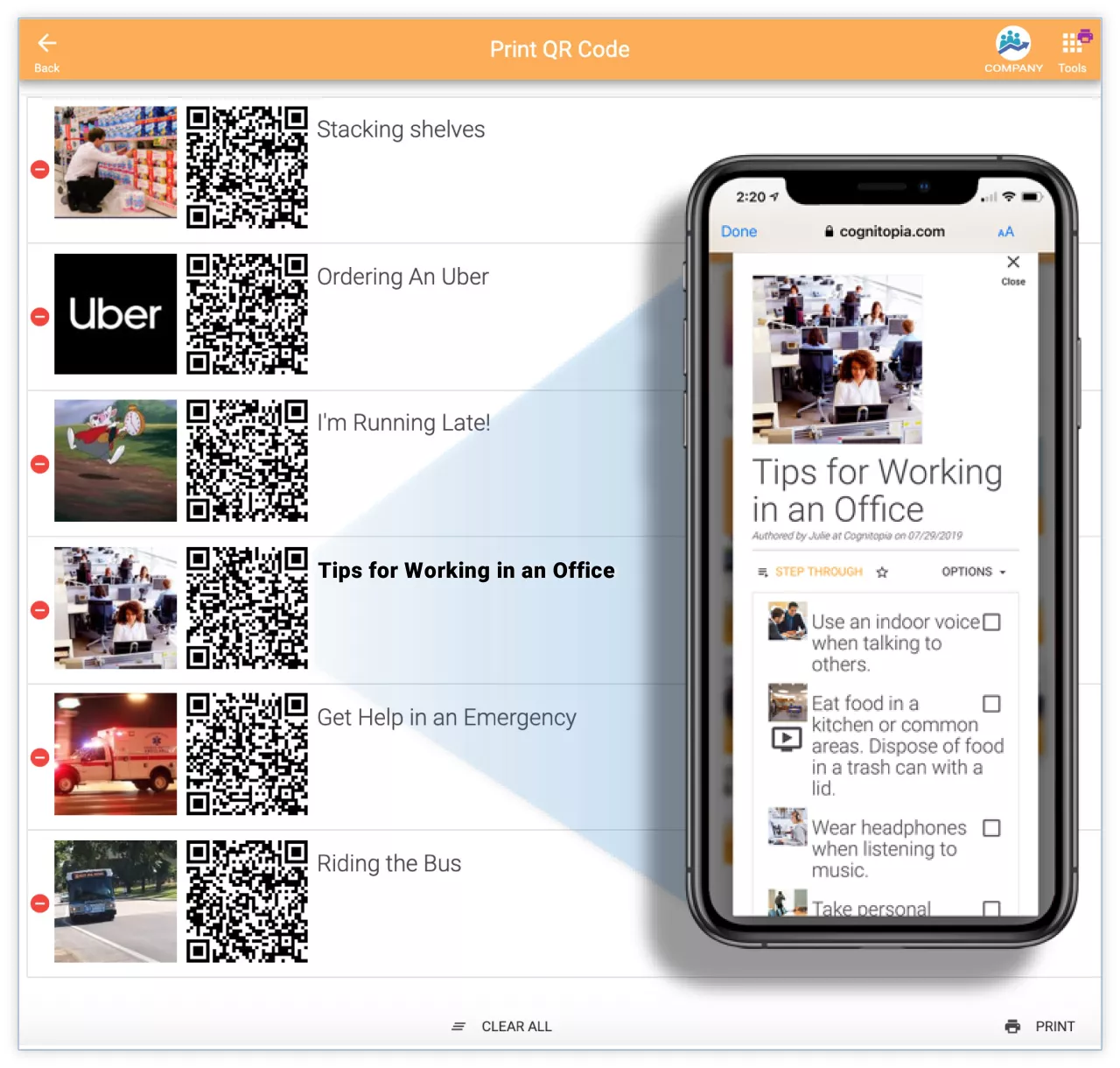
Easy Scan Access
Scan QR Codes with mobile device
Get Direct Access with multiple people
Access Anywhere
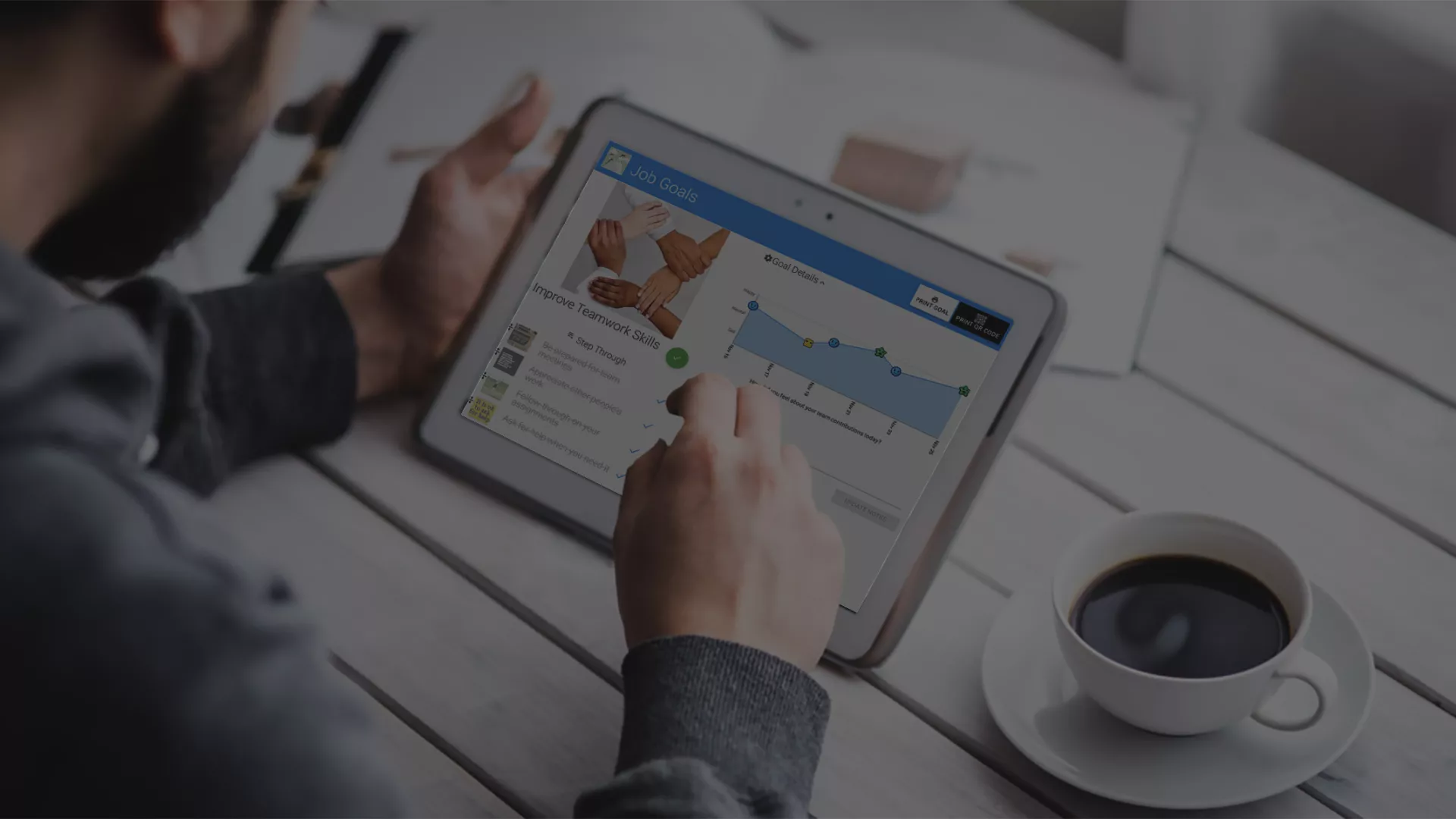
Goal Guide
Assign to Multiple People – Set reminders – Track progress remotely
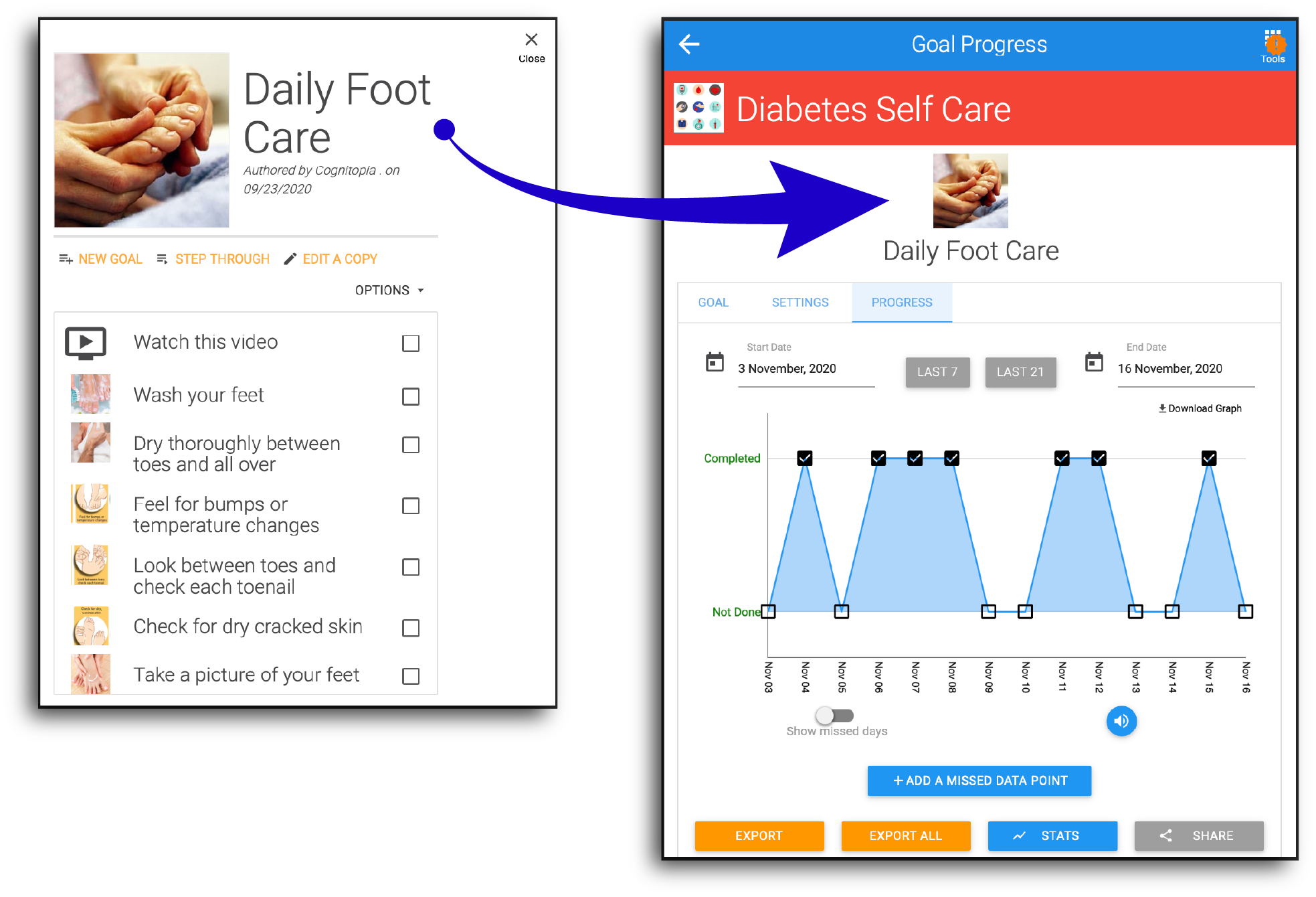
For team, personal, training, and life goals
Goal Guide makes it possible for people to easily create goals, track progress, and share accomplishments with others. Goal Guide can be used as an activity reminder and scheduling system or as a prompting tool with an emphasis on video modeling and task analysis to support task accomplishment.
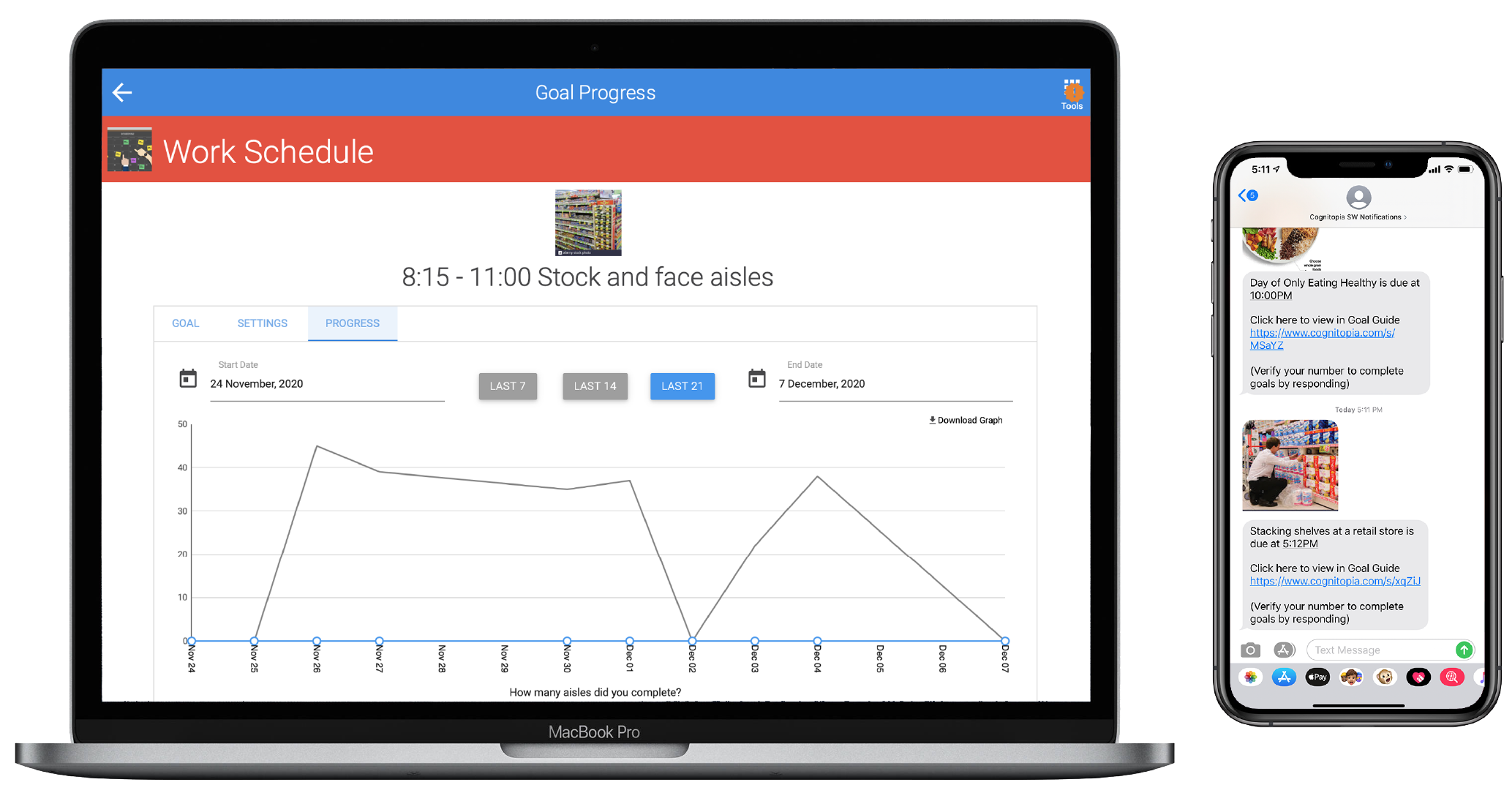
Easy to Learn, Track, Do
Visual & Accessible - Engaging & Interactive - Guiding & Teaching
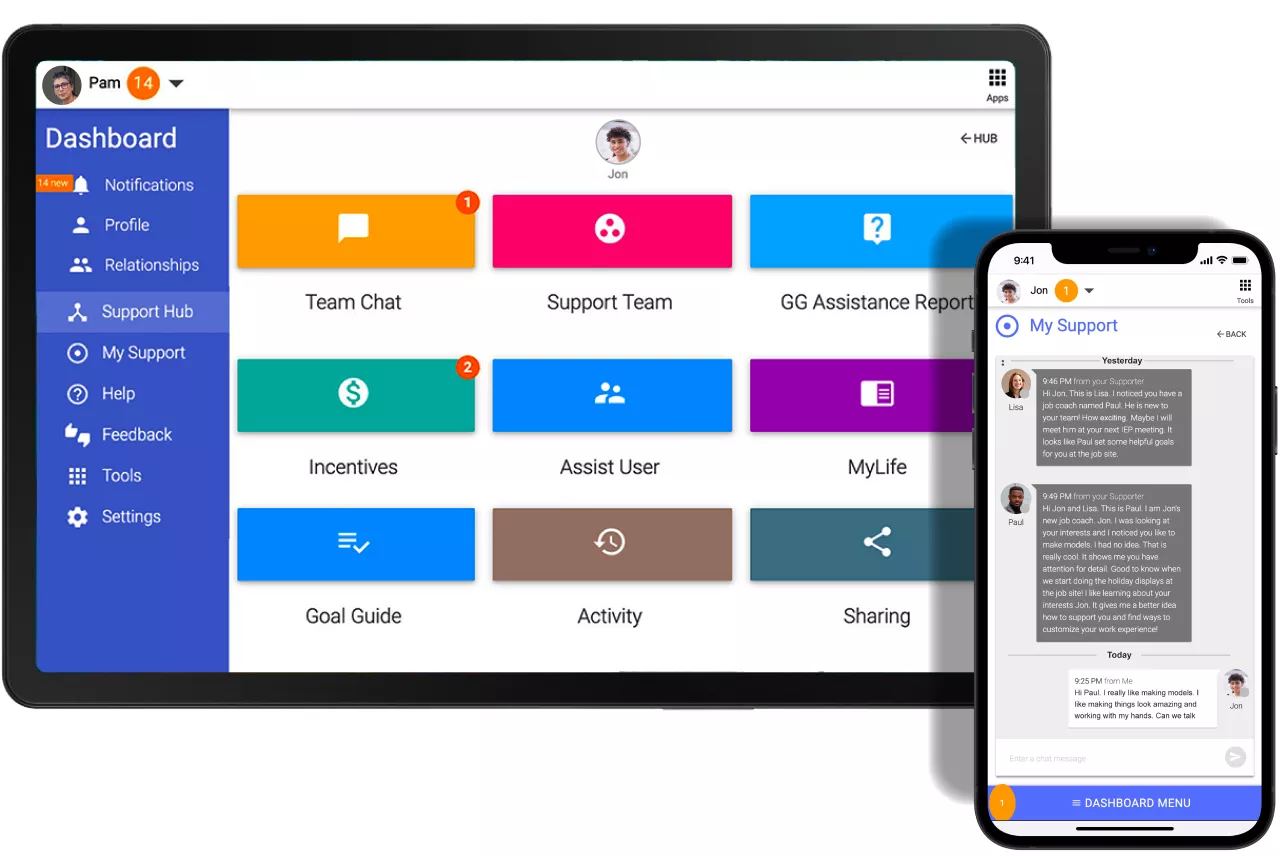
Remote Team Support
Support/Manage Multiple people easily
Save Time leveraging cloud technology
Build Confidence increasing performance

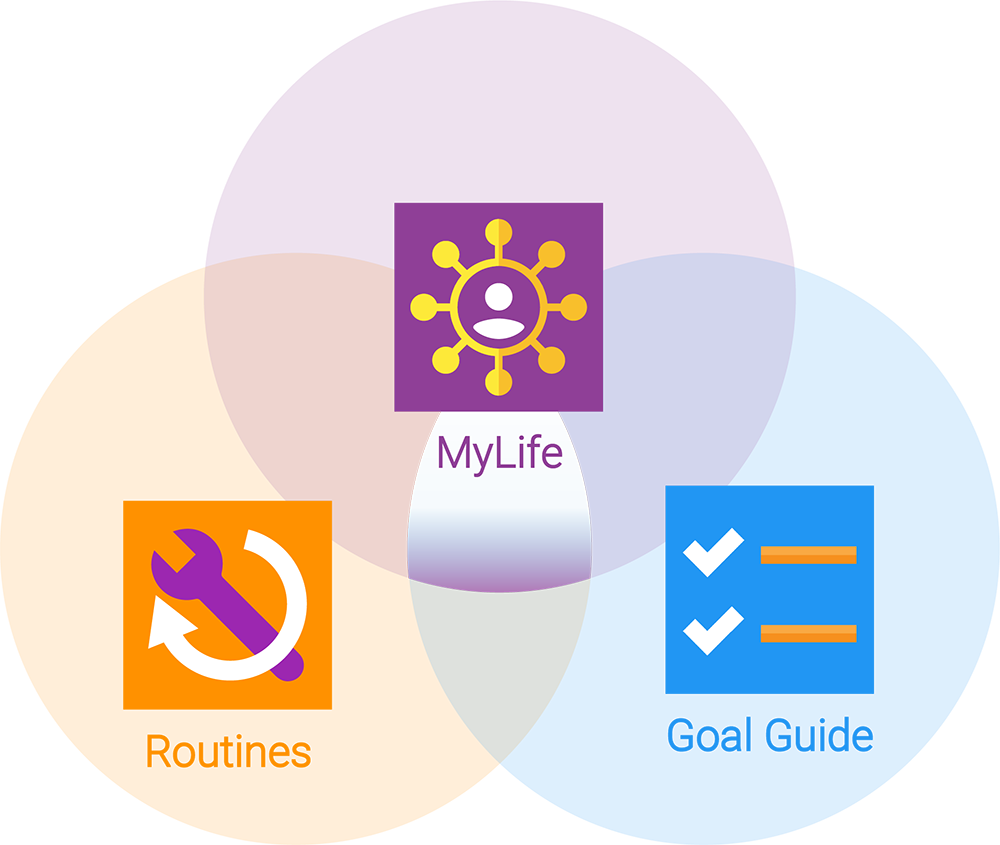
All tools in one place
Keep it simple. All tools are in one place when you log into your account. The tools are integrated with each other.
You choose how you want to improve something and Cognitopia makes it easier.